Class Recap

What we taught this summer

Eight Sunday sessions in Braintree — kids built, coded, and explored robotics in a small group with friendly instructors. Replace this paragraph with how the summer actually went: energy in the room, a proud moment, and what parents should know.

June 14 – August 2, 2026Sundays · 3:00 – 5:00 PMAges 8 – 12594 Washington St, Braintree, MA

How the summer added up

A snapshot of Robotics Summer Camp 2026 in Braintree — kids, weeks, projects, and the skills they practiced together.

TBD

Kids enrolled

8

Weekly classes

TBD

Take-home projects

12

Skills practiced

By the end, kids could…

Parent-language outcomes from the full session — not grades, just what they practiced enough to do on their own.

  • Build a working robot they take home
  • Write simple programs to control motors and sensors
  • Explain basic circuits in their own words
  • Try a friendly intro to AI concepts
  • Work as a team to finish a challenge
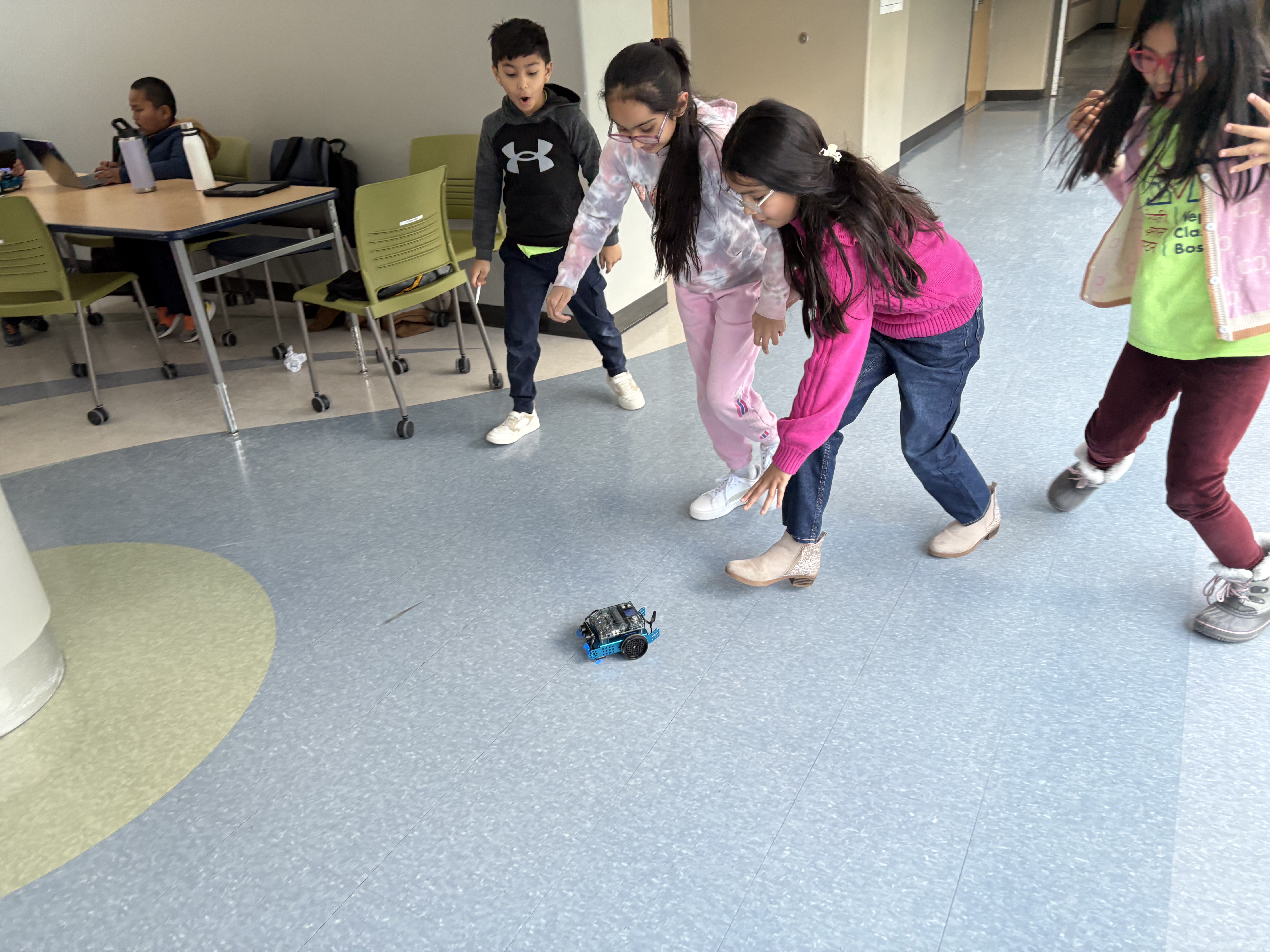
Children with their robots

What we taught each class

Eight Sundays in Braintree. Here is what we covered each class, and what the kids built that day.

Week 1 · June 14, 2026

Welcome, kit, first circuits

We taught

  • Meet the kit and the classroom rules
  • How a simple circuit works (power, path, load)
  • Safety with batteries, wires, and tools

They built: A simple LED circuit
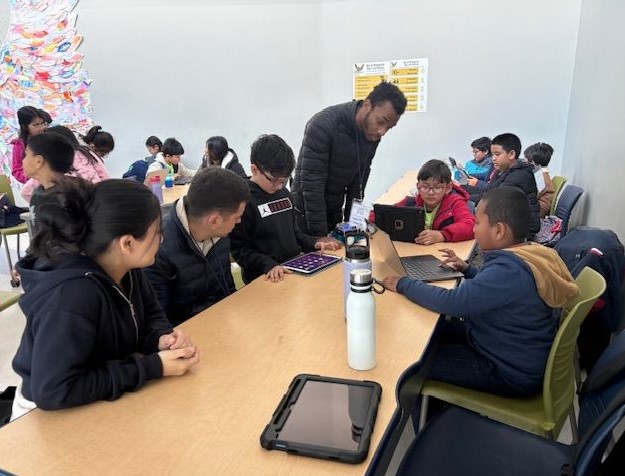
Welcome, kit, first circuits — class photo

Week 2 · June 21, 2026

Sensors and motors

We taught

  • What sensors do (light, distance, touch)
  • How motors turn electricity into motion
  • Hooking a motor and a sensor to the board

They built: A motor that responds to a sensor
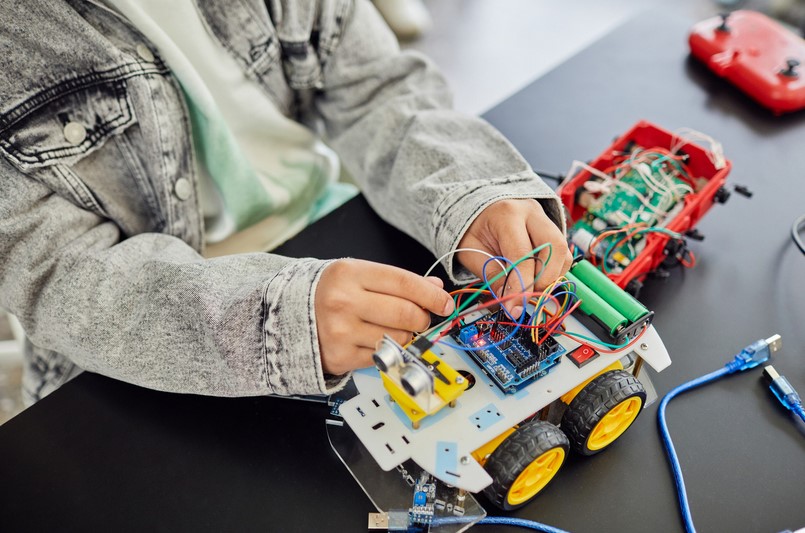
Sensors and motors — class photo

Week 3 · June 28, 2026

Block coding basics

We taught

  • Sequences: do this, then that
  • Loops so the robot can repeat a move
  • If/then so the robot can make a choice

They built: A first block-code program
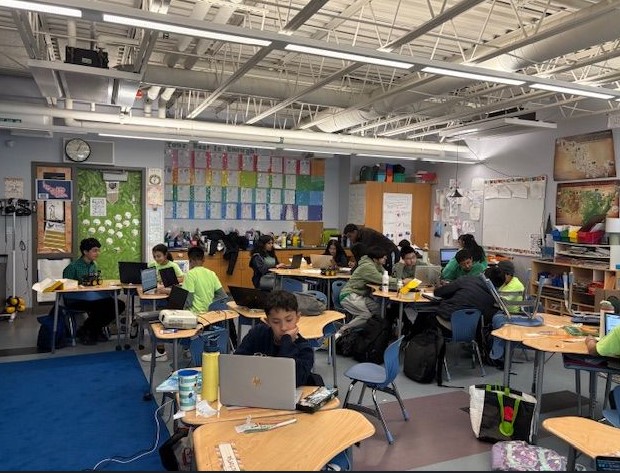
Block coding basics — class photo

Week 4 · July 5, 2026

Make it move (first driving robot)

We taught

  • Chassis, wheels, and a balanced build
  • Forward, turn, and stop commands
  • Testing and fixing when it does not go straight

They built: A driving robot they can steer

Make it move (first driving robot) — class photo

Week 5 · July 12, 2026

Line following / problem solving

We taught

  • How a line sensor “sees” the path
  • Tuning the program when the robot loses the line
  • Team problem-solving: try, observe, adjust

They built: A line-following challenge run
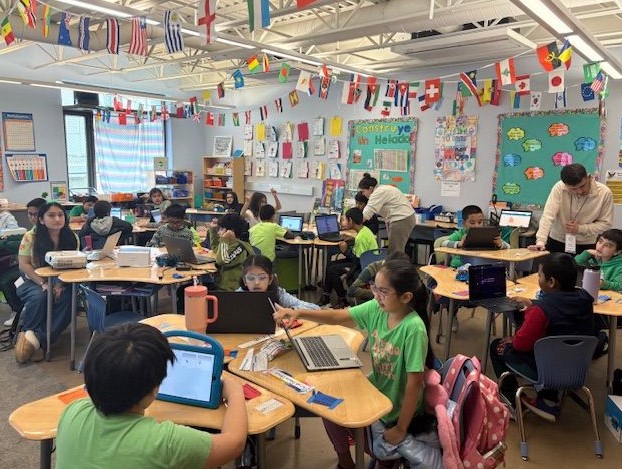
Line following / problem solving — class photo

Week 6 · July 19, 2026

Intro to Python or Arduino

We taught

  • Why text code is another way to talk to a robot
  • A few beginner commands (Arduino or Python)
  • Uploading a program and watching it run

They built: A short text-code sketch on the kit
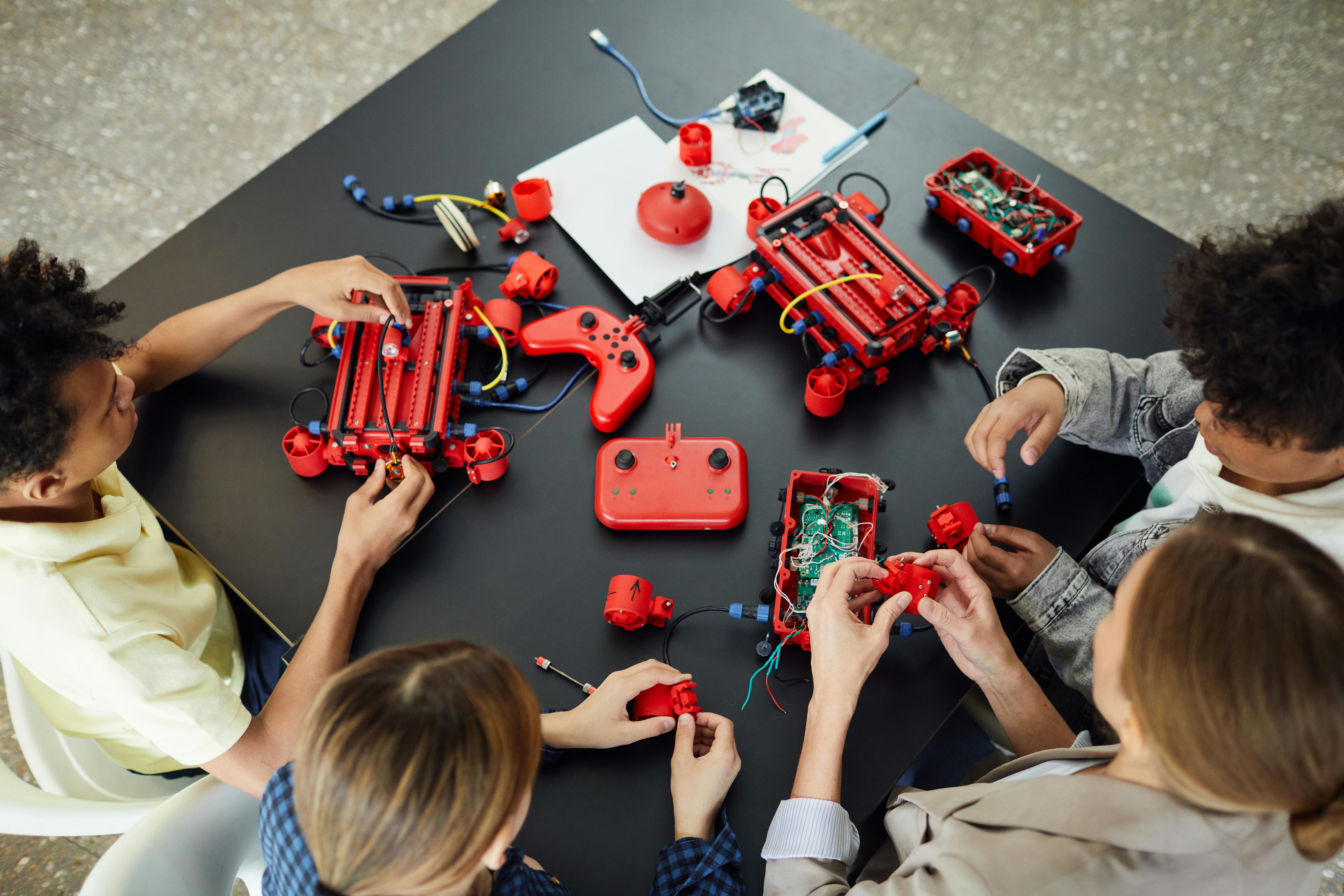
Intro to Python or Arduino — class photo

Week 7 · July 26, 2026

AI concepts + challenge

We taught

  • What AI is — and what it is not — in kid language
  • How a robot can “decide” from sensor data
  • A timed challenge that uses everything so far

They built: A challenge robot with a simple decision
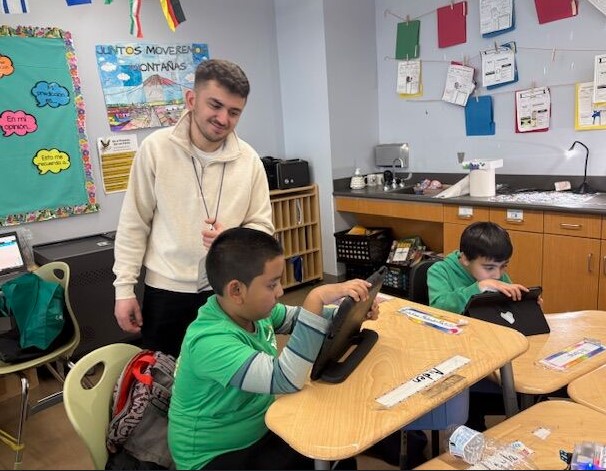
AI concepts + challenge — class photo

Week 8 · August 2, 2026

Final build, demo, take-home

We taught

  • Finish and decorate the take-home robot
  • Practice explaining the build to family
  • Demo day: show what it can do

They built: A finished robot they take home
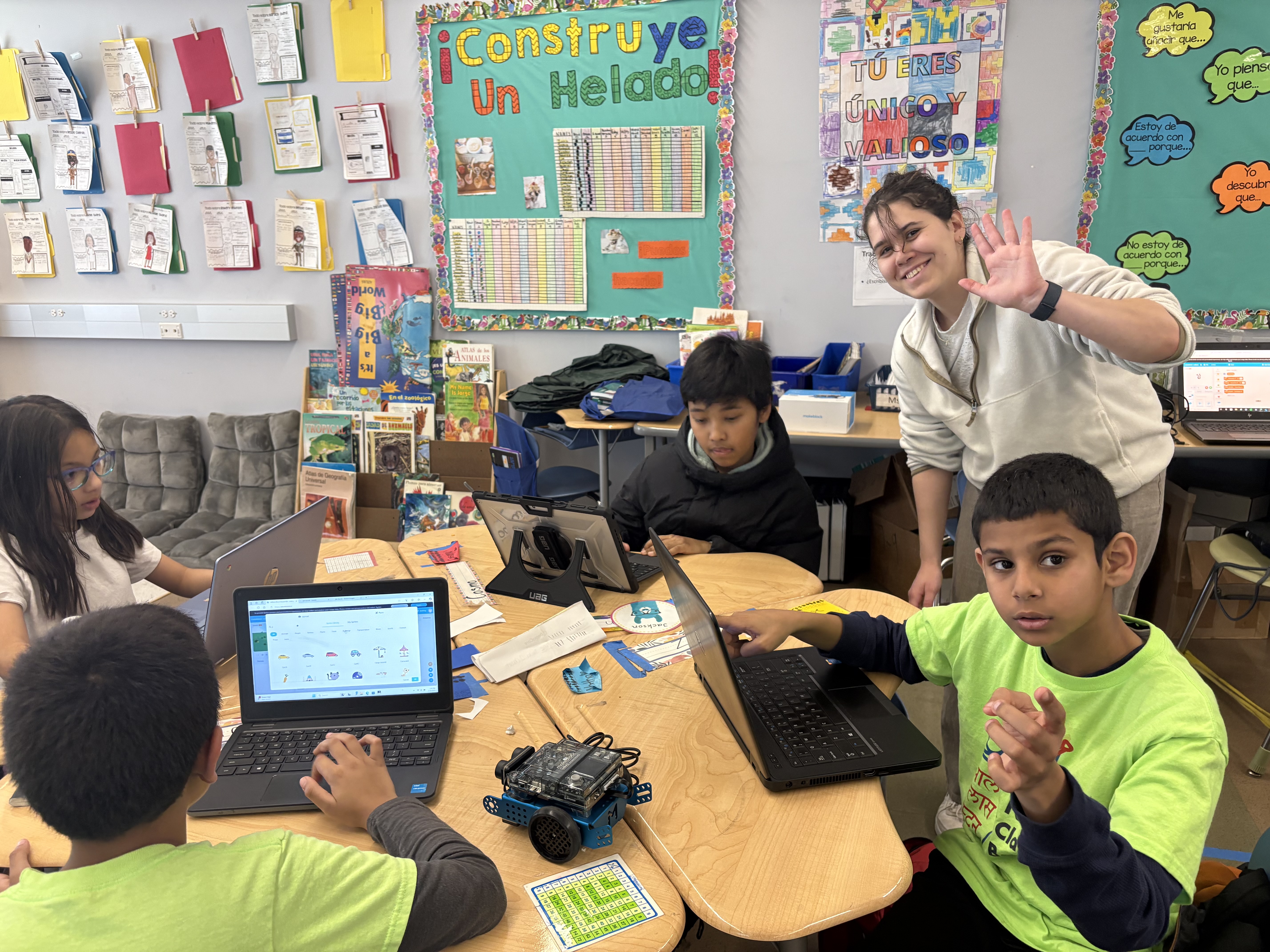
Final build, demo, take-home — class photo

In the classroom

Kids building, coding, and testing robots during our Sunday sessions.

Kids learning robotics
Kids building in class
Kids coding together
Kids with their robots
Hands-on lab work
Kids playing with a robot

Ready for the next session?

See dates, tuition, and what your child will learn — or sign up for the next InnoSTEMLab program.